Competitor Price Tracker to Excel & Webhook
Competitors change price weekly. I copy their table by hand every week — by the fourth time I question my life choices.
The person who submitted this, in their own words
Browser MCP autonomously navigates real web pages, paginates, extracts product data, and writes to an Excel spreadsheet.
When it won't work
- Sites whose terms forbid scraping or that gate behind anti-bot checks
- Production pipelines needing steady runs: real scripts plus monitoring, not model clicks

Before you start
- Chrome browser installed
- Cursor, Claude Desktop, or any MCP-compatible client
Step by step
Activate Puppeteer Browser MCP
Add the official Puppeteer MCP server config to your client with one line.
Send Scraping Goal Prompt
Specify the target URL and desired fields in the prompt below:
Using the puppeteer tool, navigate to [{{targetUrl}}].
Scrape the first 3 pages of product listings.
Extract fields: [{{fields}}].
Save the results to an Excel spreadsheet (output.xlsx) and summarize min, max, and median values.
Inspect output.xlsx
The Excel file will be automatically created in your folder ready for spreadsheet analysis.
How to know you did it right
- Data pagination worked across 3 full pages
- Price columns properly formatted without symbol corruptions
Who checked it
CopyAI tested · Tested on 2026-10-30 · 1820 made it
Where it usually breaks
目标站有反爬时脚本会静默返回空表,先跑 1 页验证。
Starter files
- scrape-sample.xlsx 8192 B
Did you make it?
Tell us how it went. If it broke, say where — that is how we fix the recipe.
Do this next

One natural language command sorts and renames hundreds of cluttered downloads, receipts, and screenshots safely.
Autonomous Local Desktop & Folder Clean Up with Claude Code
- Automate & scrape
- 4 min
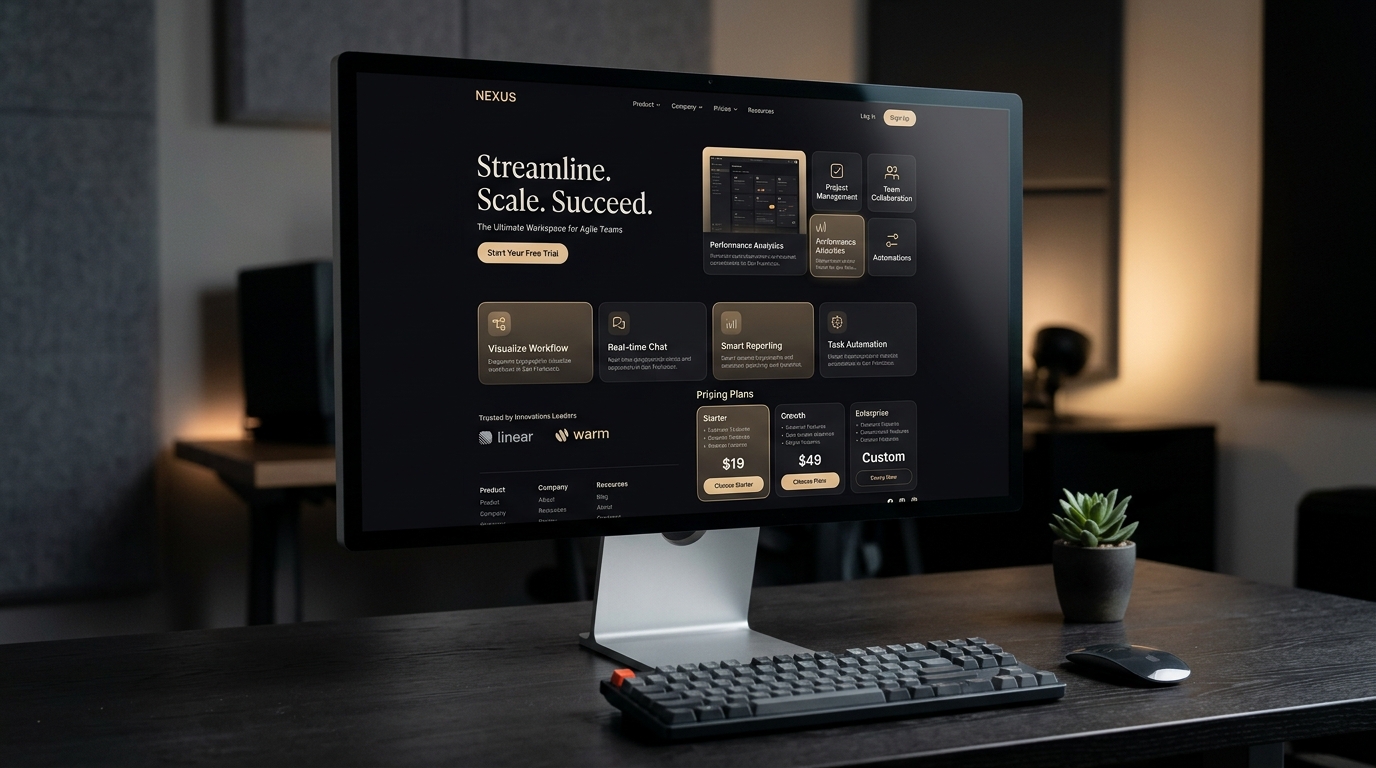
Turns a reference screenshot or your own value proposition into a responsive Next.js + Tailwind page you can deploy.
Clone a Reference Site into a Deployable Landing Page
- Sites & landing pages
- 10 min

Transforms a simple smartphone product snapshot into an 8K studio poster and 5-second cinematic product video.
Product White-Background Photo to Cinematic Video Ad
- Product & short video
- 5 min