Clone a Reference Site into a Deployable Landing Page
My boss sends a site saying 'make it feel like this'. I can't copy it, and I can't build one from scratch.
The person who submitted this, in their own words
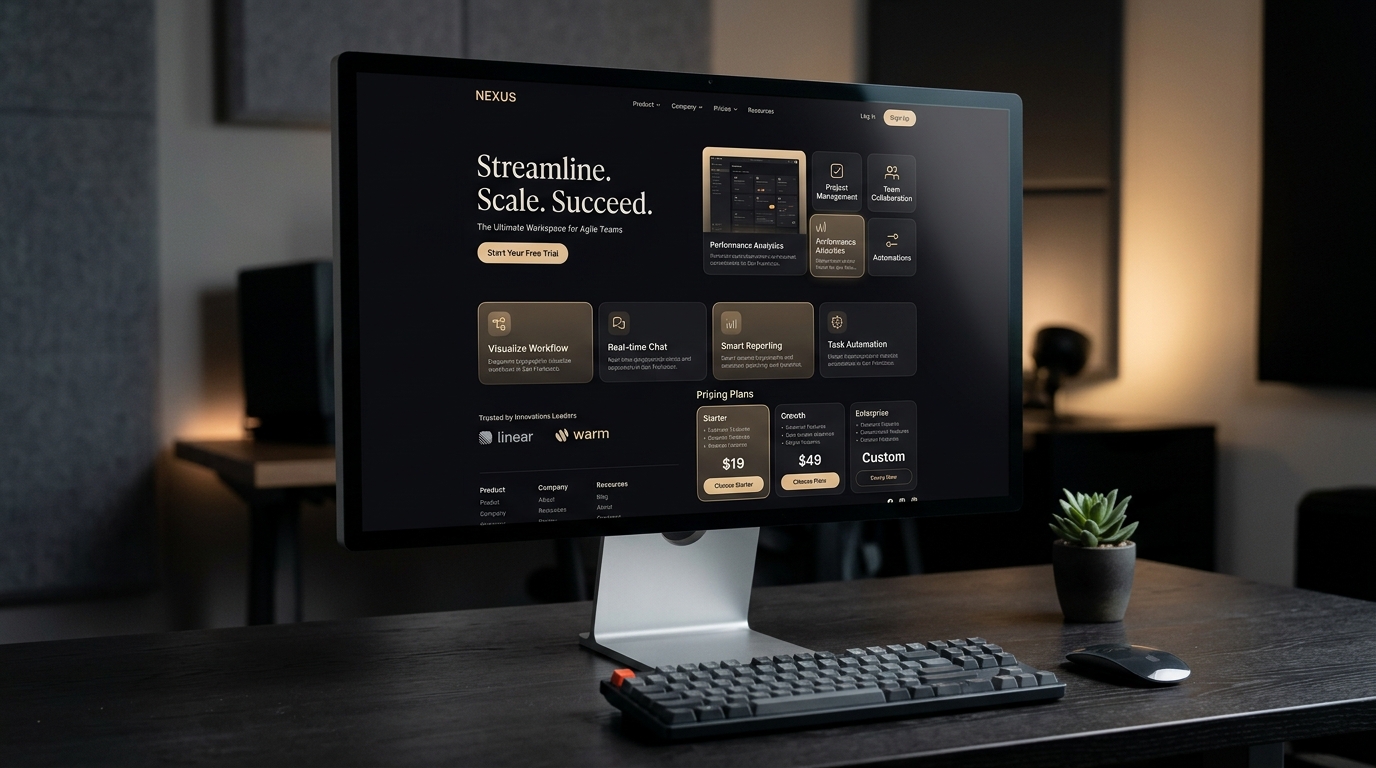
Turns a reference screenshot or your own value proposition into a responsive Next.js + Tailwind page you can deploy.
When it won't work
- Brand sites needing pixel-level adherence to an existing design system
- Anything with auth, billing or a backend — landing-page tools stop there
Before you start
- A reference screenshot of a modern web page you like
- A free v0.dev account
Step by step
Upload Reference Screenshot to v0
Drop your reference design into v0.dev and attach the layout constraints prompt below:
Reference the visual rhythm of this layout for my product [{{productName}}].
Value proposition: [{{valueProp}}].
Design requirements:
- Top bar: Brand wordmark, 4 single-line links, 1 primary action.
- Hero: Bold headline, balanced whitespace, product mockup preview.
- Bento grid: 3 asymmetric feature highlights.
- Tech stack: Next.js + Tailwind CSS with dark mode support.
Deploy to Vercel
Click "Deploy", connect your GitHub account, and you get a public HTTPS link within a minute.
Replace the placeholder image before you publish
The generated page ships with a placeholder product image. Swap in your own photo, then check the page at 390px wide before sharing the link.
Watch out · Placeholder images are the most common reason a freshly deployed page looks unfinished to the person who receives the link.
How to know you did it right
- Mobile responsive navigation expands cleanly without horizontal scroll
- CTA buttons have active hover states
- No placeholder image or lorem text left on the page
Who checked it
CopyAI tested · Tested on 2026-10-22 · 2890 made it
Where it usually breaks
生成的页面首屏图是占位图,记得换成自己的产品图再发布。
Starter files
- landing-copy.md 3072 B
Did you make it?
Tell us how it went. If it broke, say where — that is how we fix the recipe.
Do this next

Transforms a simple smartphone product snapshot into an 8K studio poster and 5-second cinematic product video.
Product White-Background Photo to Cinematic Video Ad
- Product & short video
- 5 min
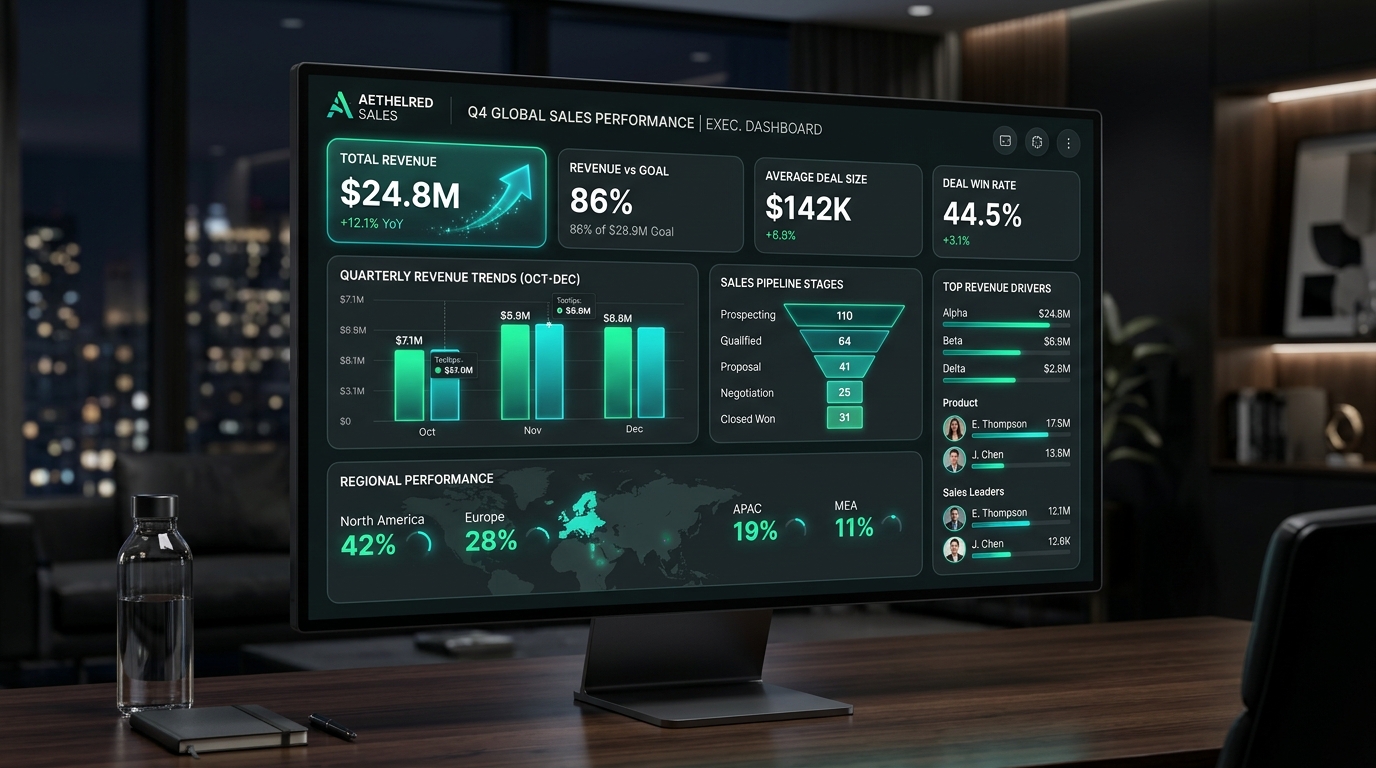
Transforms thousands of raw transaction rows into an interactive executive dashboard with KPI anomalies.
Messy Excel Sales Data to Executive Visual Report
- Tables & data
- 3 min
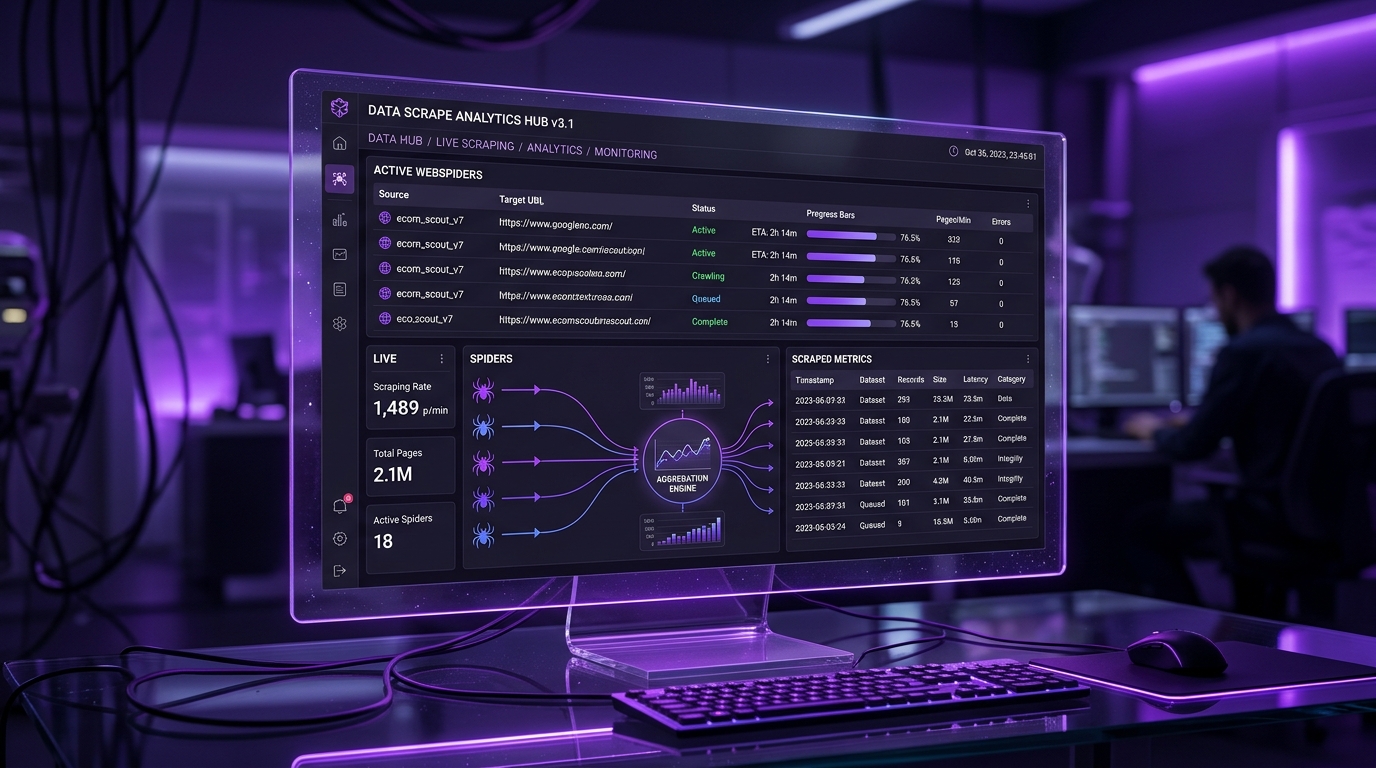
Browser MCP autonomously navigates real web pages, paginates, extracts product data, and writes to an Excel spreadsheet.
Competitor Price Tracker to Excel & Webhook
- Automate & scrape
- 5 min