Product White-Background Photo to Cinematic Video Ad
My ad needs a product video. The agency quotes 8k and two weeks; my campaign launches the day after tomorrow.
The person who submitted this, in their own words
Transforms a simple smartphone product snapshot into an 8K studio poster and 5-second cinematic product video.
When it won't work
- PDP hero images that must show true material and finish — generation is unreliable there
- Products with regulated claims; imagery cannot be improvised

Before you start
- A clean smartphone photo of any physical product with solid background
- An account on Kling AI, Midjourney, or Flux
Step by step
Isolate Product Outline
Take a direct front photo against a plain wall or A4 paper. Use your phone native cutout tool to remove background.
Synthesize Commercial Studio Lighting
Upload the isolated product image into your image model with the following lighting recipe:
Commercial studio product photography. Center the uploaded product.
Environment: [{{environment}}].
Lighting: [{{lighting}}].
Details: Ultra-crisp 8K, shallow depth of field, subtle water droplets, minimalist luxury aesthetic, keep product labels intact.
Animate Camera Motion in Kling AI
Import the generated poster into Kling Image-to-Video. Set camera movement to "Slow Zoom-in + Slight Pan", then render the 5s clip.
How to know you did it right
- Product shape and typography remain unwarped
- Shadow contact between product base and surface looks natural
Who checked it
CopyAI tested · Tested on 2026-11-02 · 2310 made it
Where it usually breaks
一次生成四条运镜,选最自然的那条;反复重抽只会更假。
Starter files
- product-shot-brief.md 1536 B
Did you make it?
Tell us how it went. If it broke, say where — that is how we fix the recipe.
Do this next
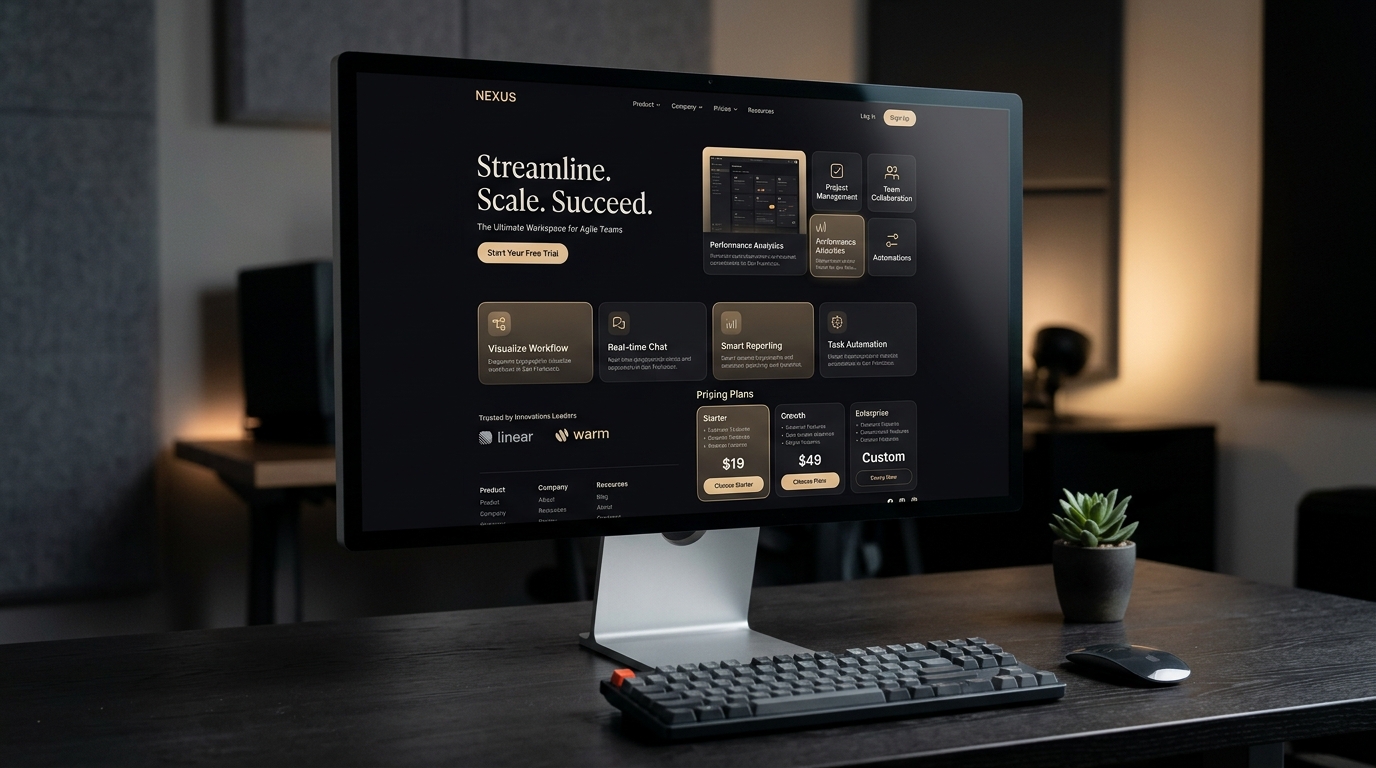
Turns a reference screenshot or your own value proposition into a responsive Next.js + Tailwind page you can deploy.
Clone a Reference Site into a Deployable Landing Page
- Sites & landing pages
- 10 min
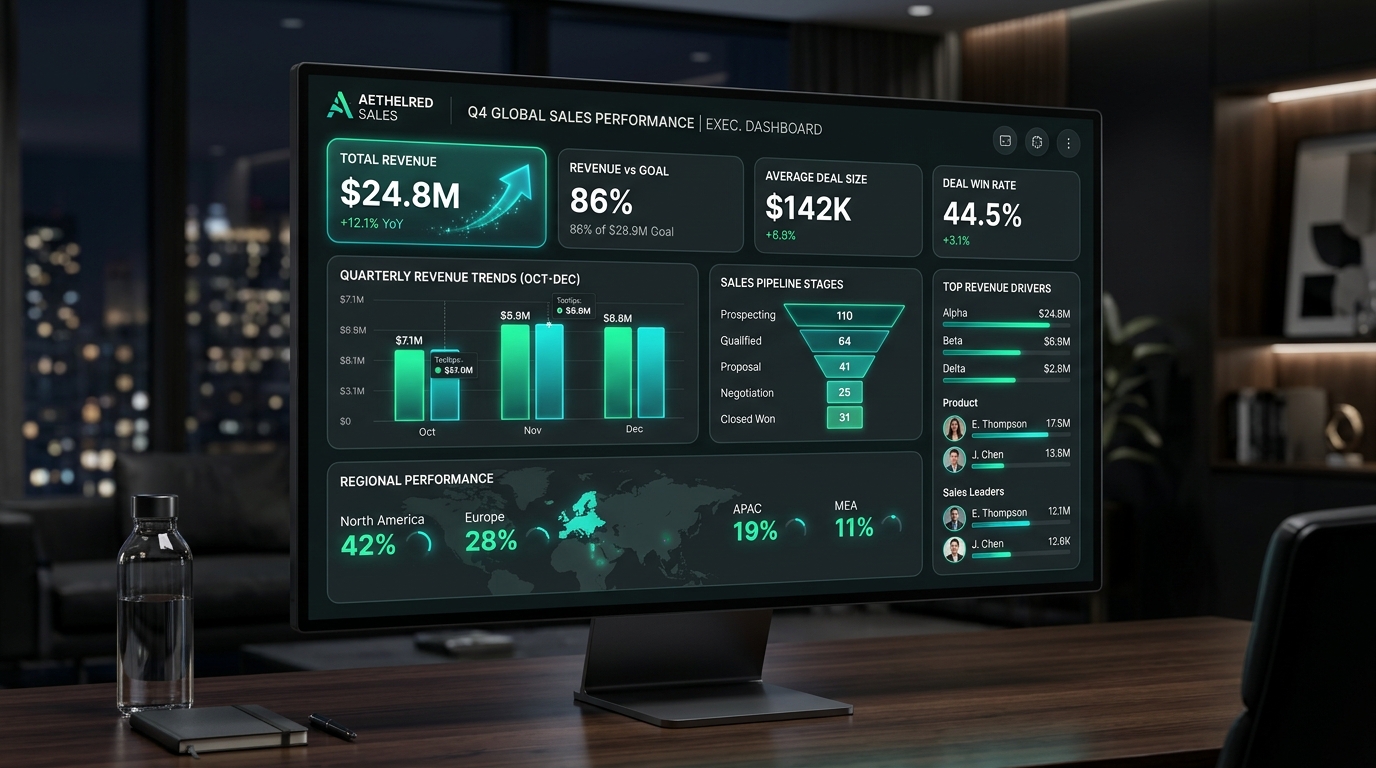
Transforms thousands of raw transaction rows into an interactive executive dashboard with KPI anomalies.
Messy Excel Sales Data to Executive Visual Report
- Tables & data
- 3 min
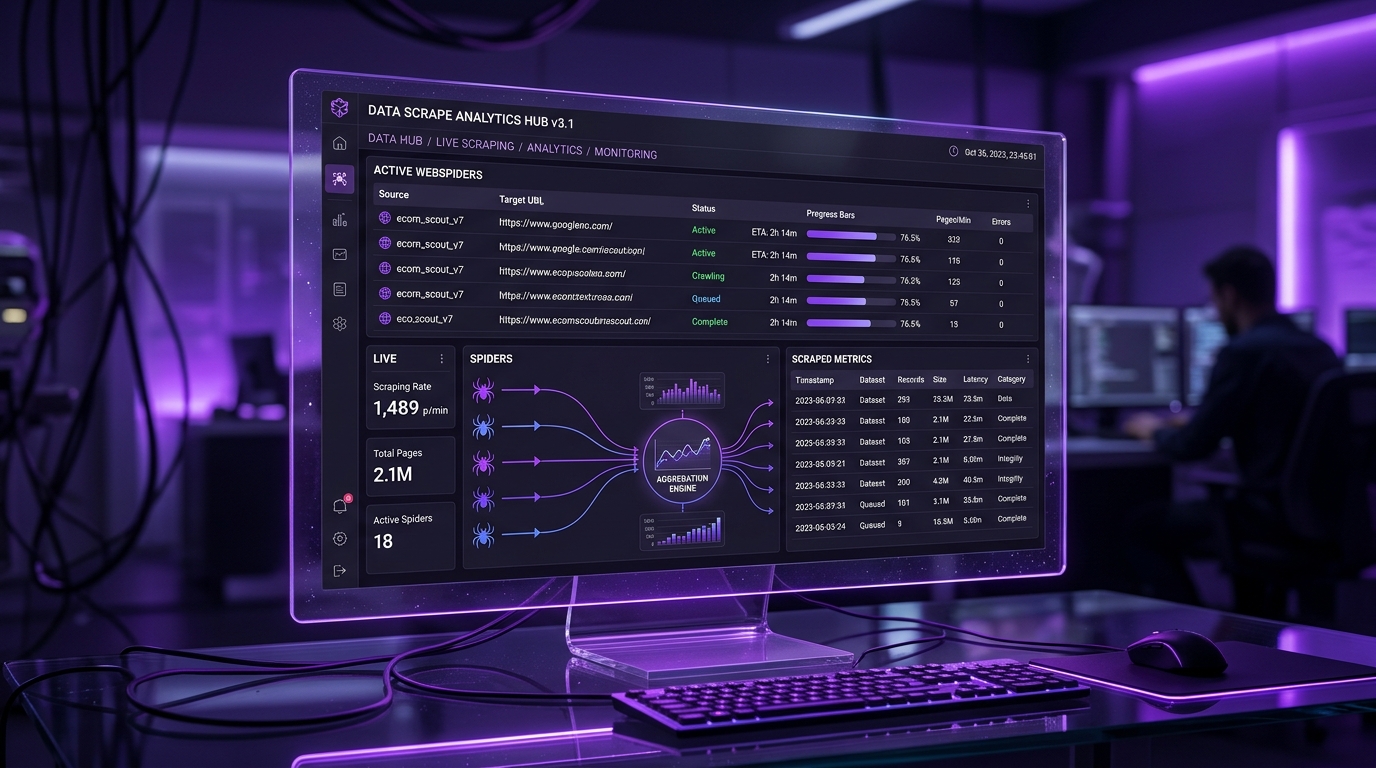
Browser MCP autonomously navigates real web pages, paginates, extracts product data, and writes to an Excel spreadsheet.
Competitor Price Tracker to Excel & Webhook
- Automate & scrape
- 5 min